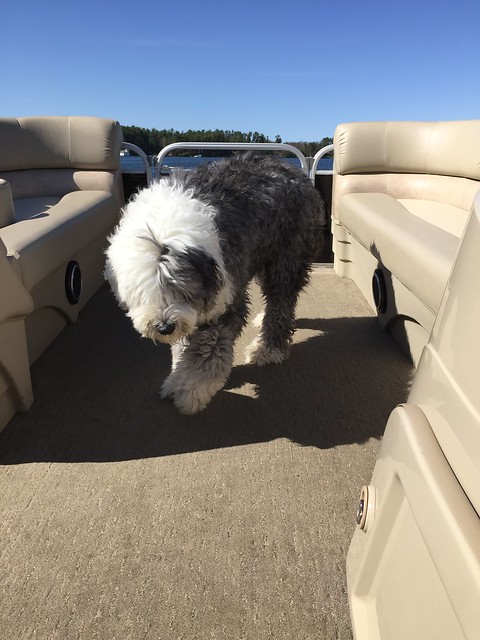
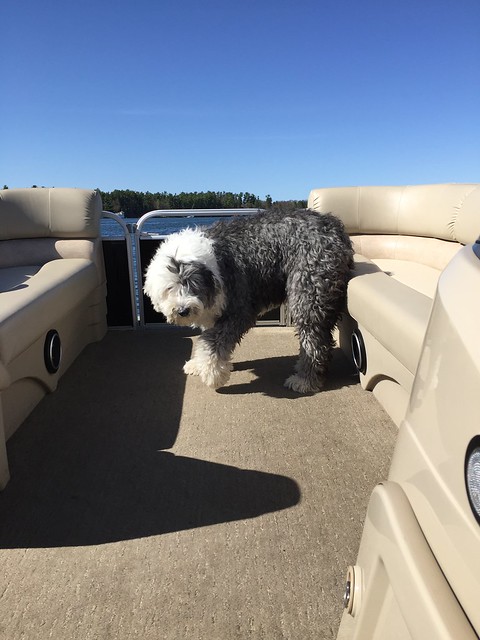
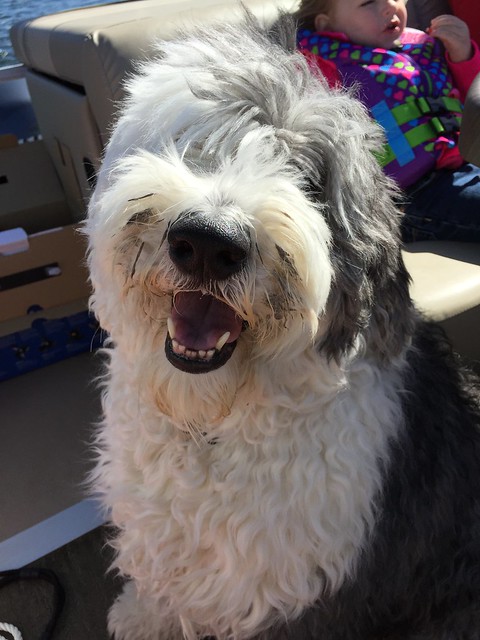
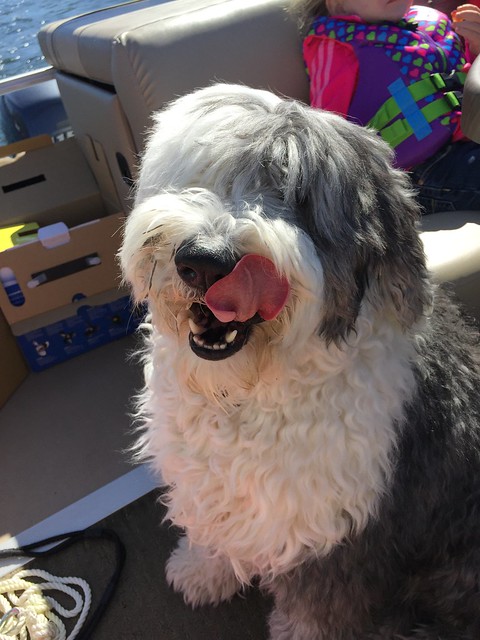
cant post and im done trying!!!¥£€#%}{]
If that did not work, than I give up!!!
Click on "Gallery" heading up top

Click on "Upload" on right,
Click on "Create New Album"

Enter an album name, ie"How To Upload Pictures", and click "Save"


Now Click "choose a file"
Find the picture you want to upload and click on it
It takes you back to the screen previous, click on "Upload"
Continue those steps until you have all the pictures you want in that gallery heading, then
Click "Review and Publish"

Here you can say a little about the pics, ROTATE if need be

Then at the bottom, click "Finish and Publish"
There, now you have pictures in a gallery, without size limits, easily embedded into your message.now for embedding them in your message,
Click on "My Media" that is right above the response box by the happy face

Click on Gallery Images"

Click each picture you want in your message(in the order you want them) then Click "Finished"


They are now in your message, they will show in your dialog box just as a row of letters inside some [ , but if you click on "More Reply Options" you can preview it.


Now just click POST and you are done. You can add images to an existing gallery just by instead of clicking Create New Album, click Select Album, or just go into YOUR main gallery, find the folder that you want and to the right of the folder name it will say "upload" "edit" choose one of those and have at it. Hope this helps someone. Probably it could be copied into the how to Post pics, or even create another topic for it. Whichever, you mods can put where you like, or leave it here.